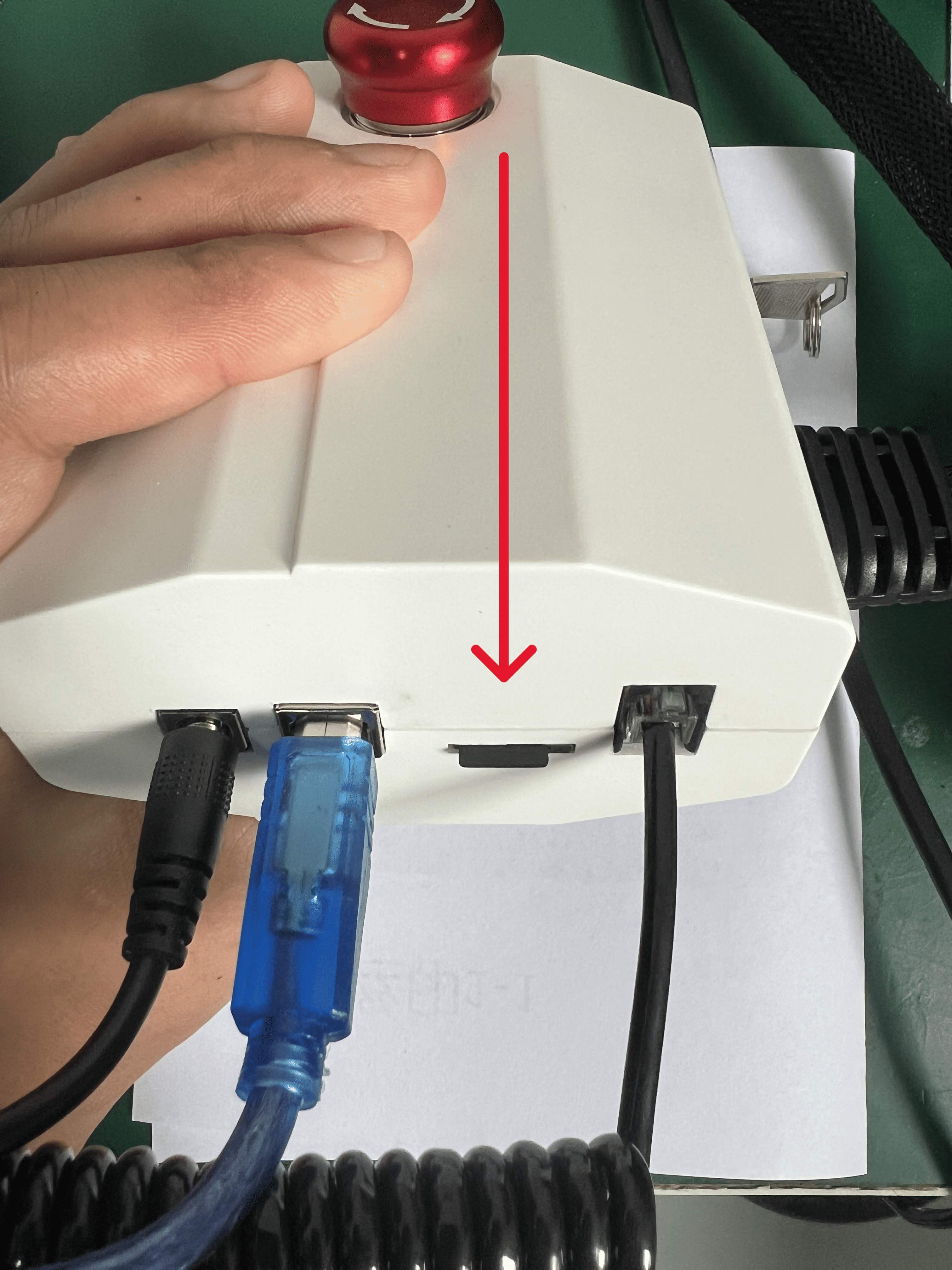
Note: If the machine needs to use the Wi-Fi mode, a TF card must be inserted into the control box to ensure normal operation.
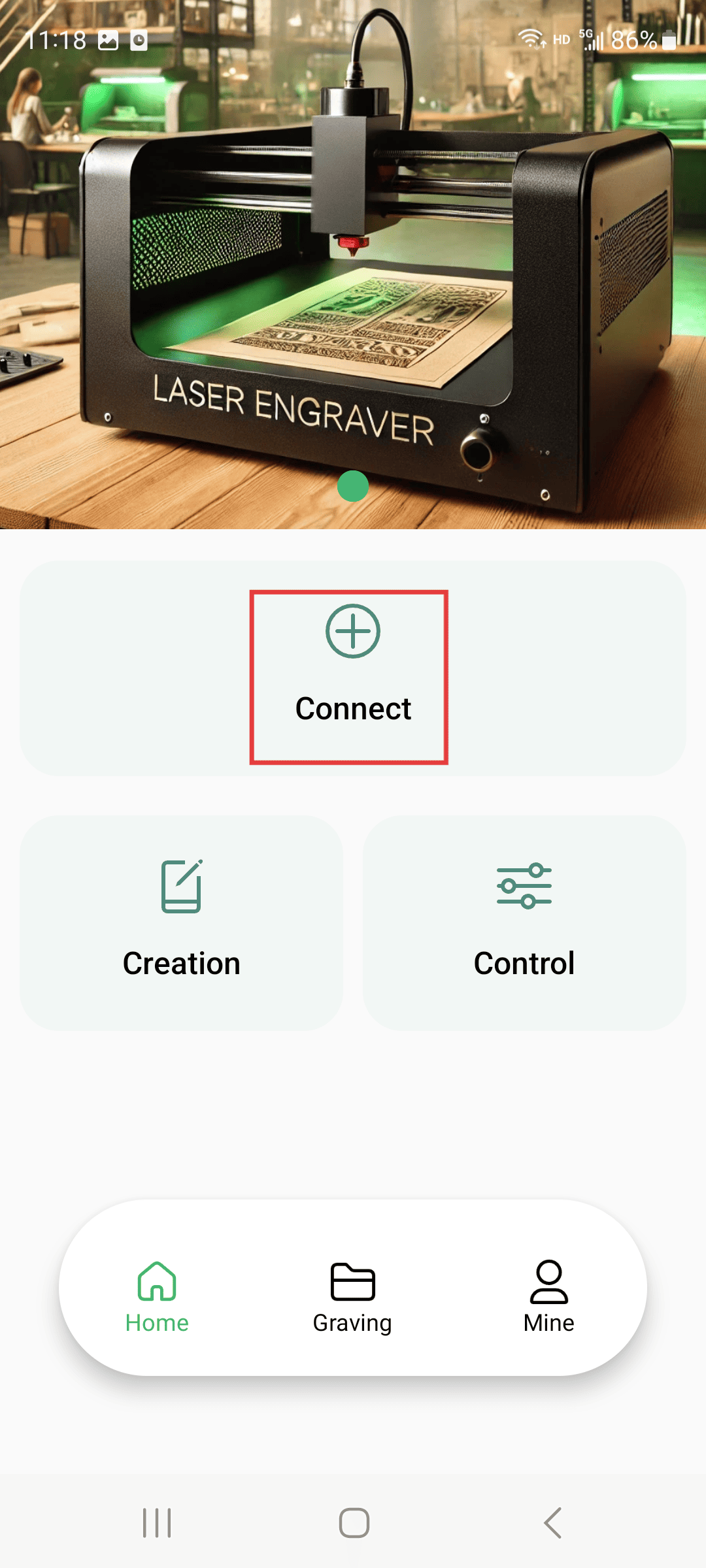
Step 1
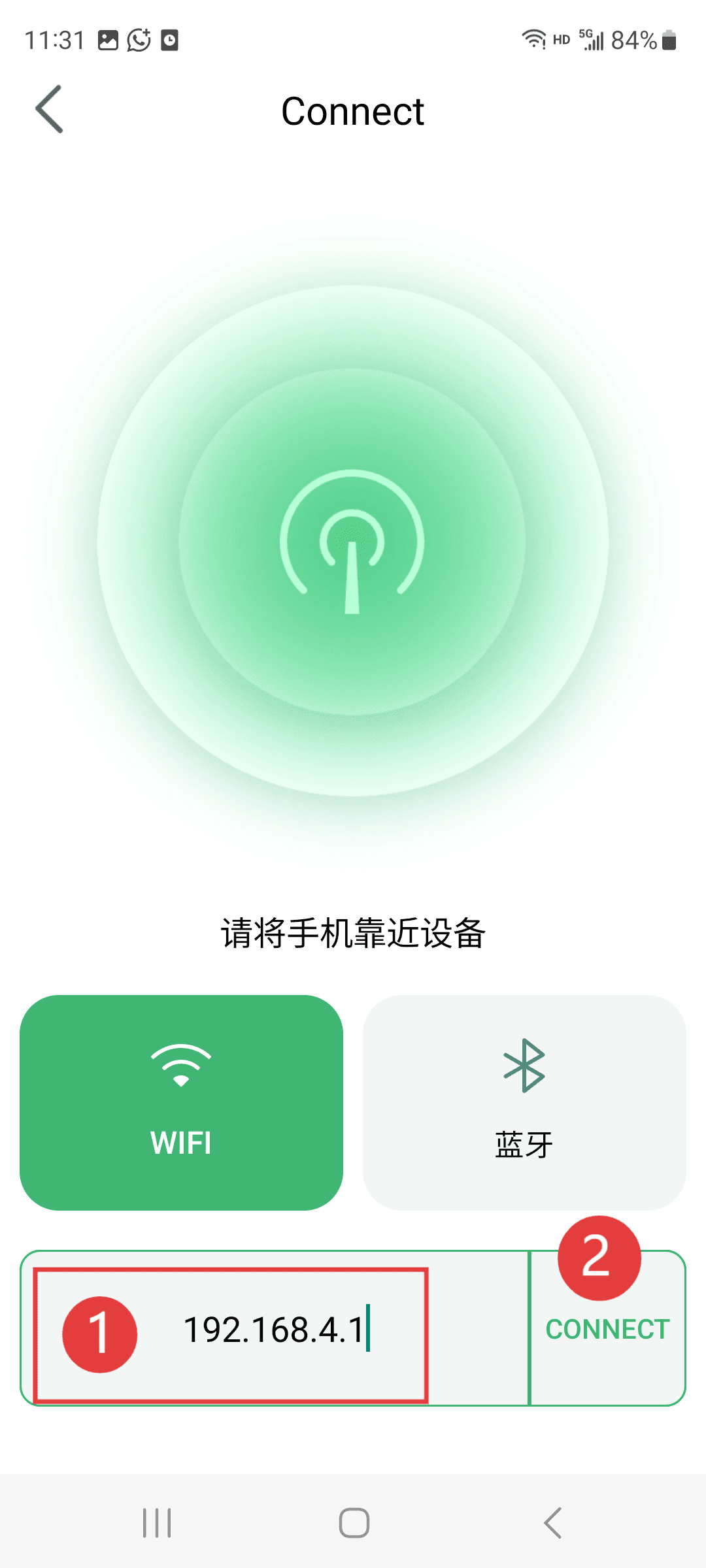
Click on the connection machine
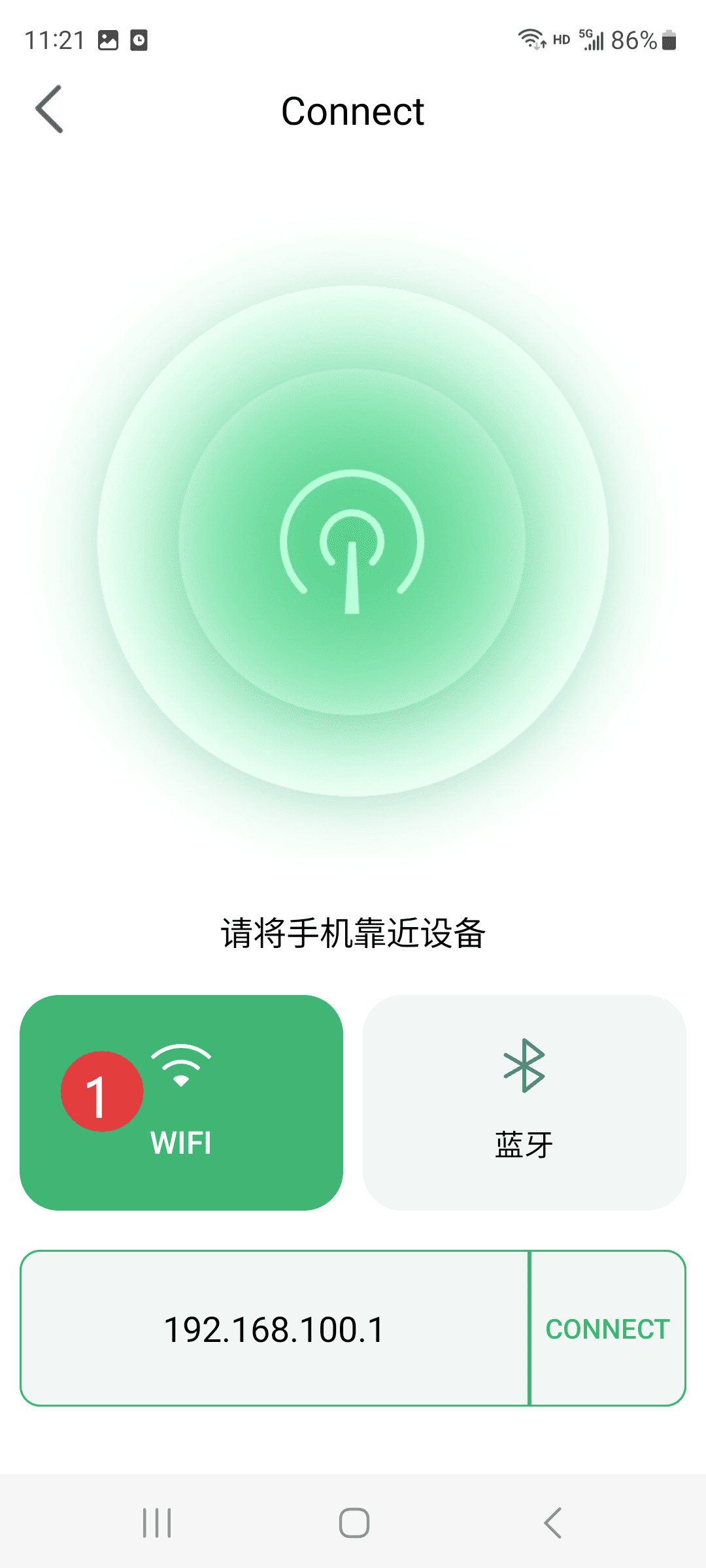
Step 2
Click on WiFi mode
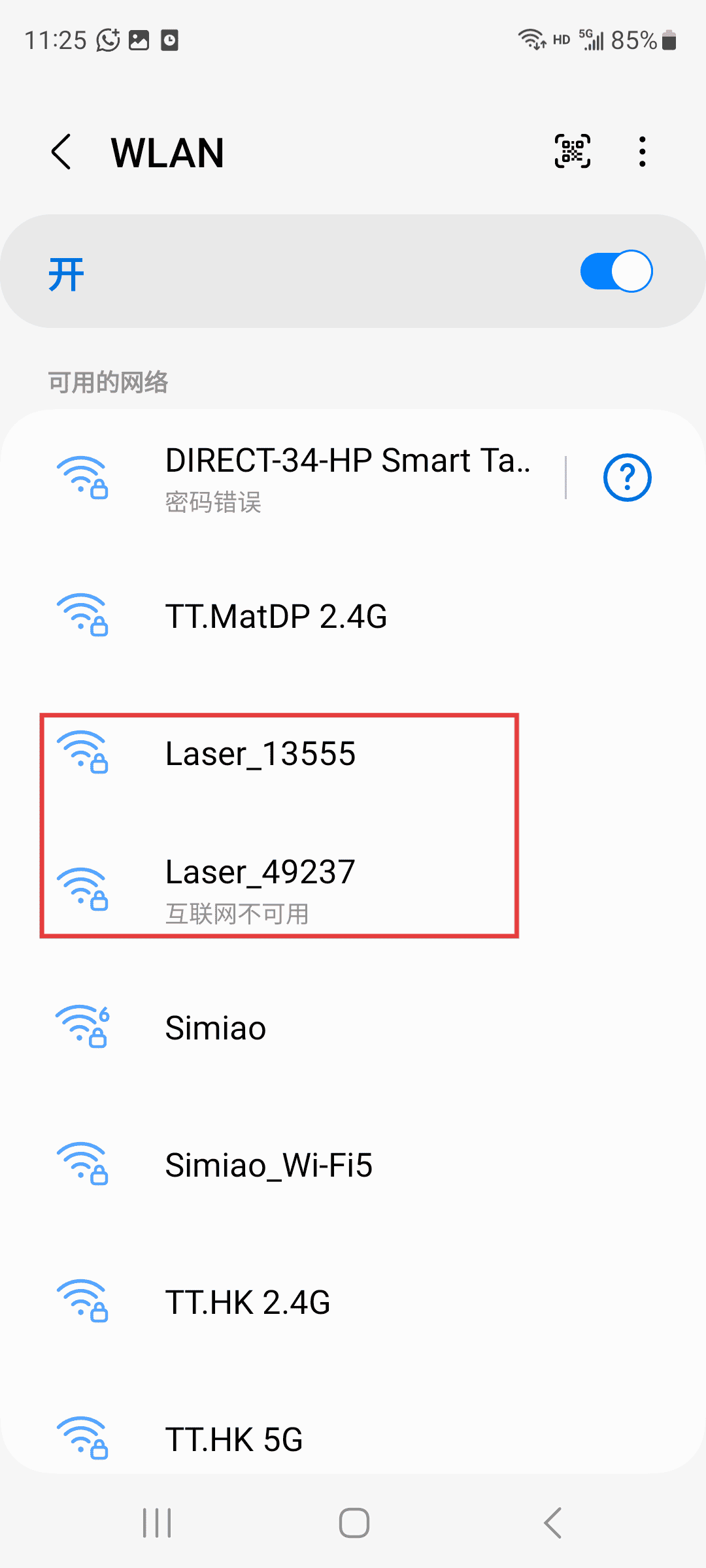
Step 3
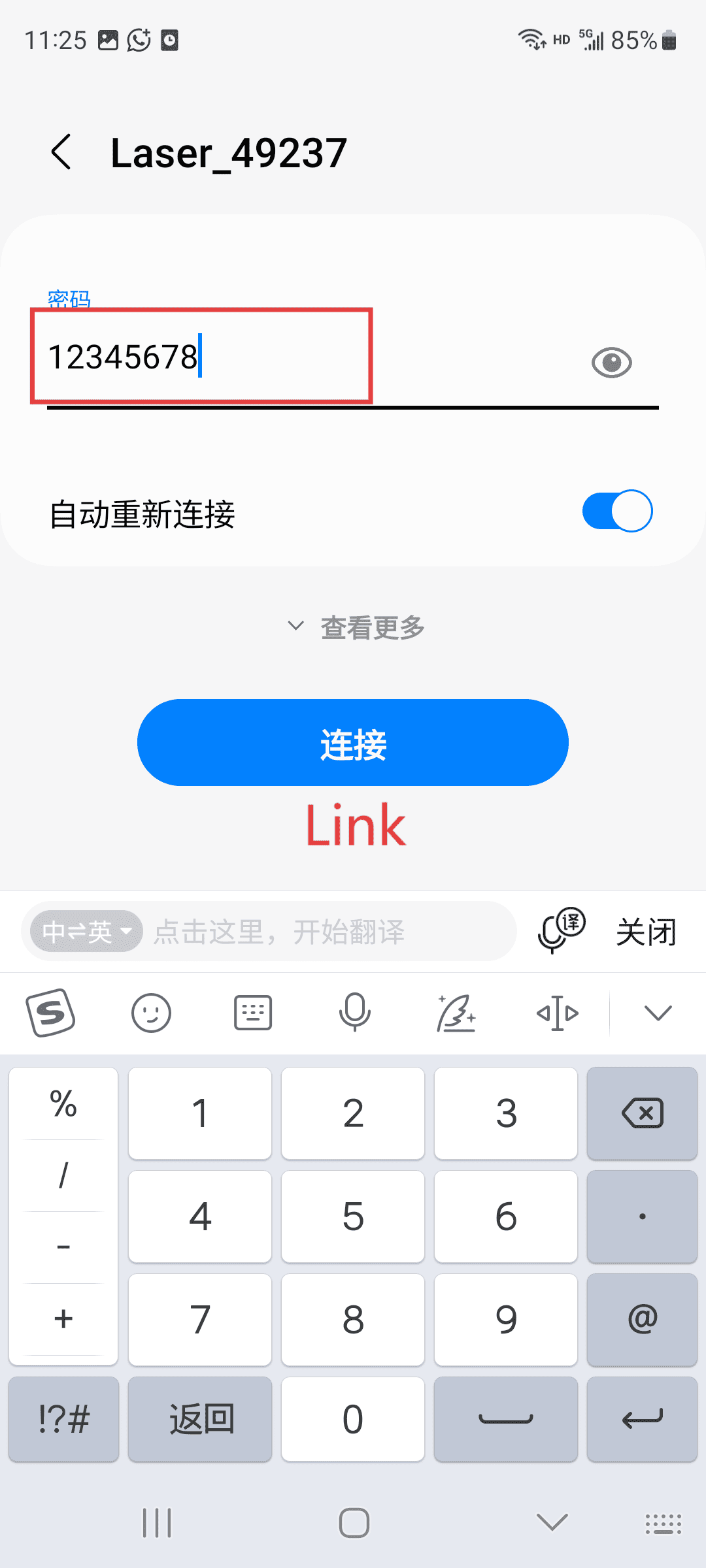
Open the WiFi page on your phone, and select the WiFi signal starting with "Lasel" to connect.
Step 4
Enter the password to connect (this signal is sent by the machine, so it cannot use the network. If prompted, just keep the connection.)
Step 5 (Operate according to the sequence number)
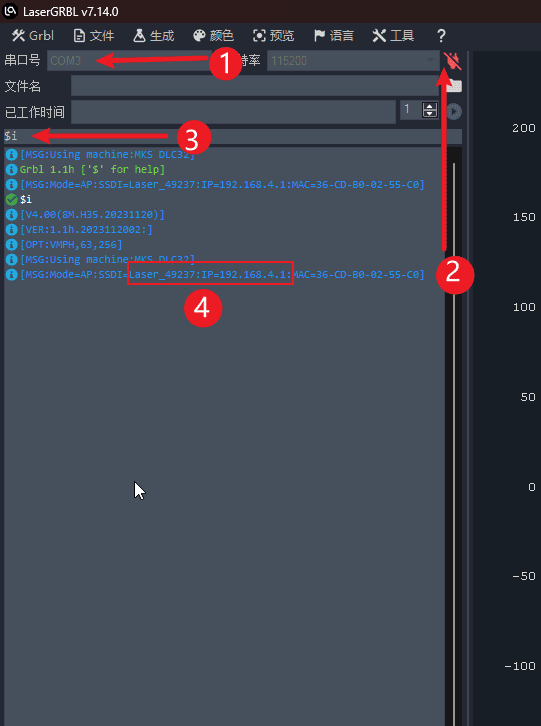
Rotate the corresponding COM port on the computer-etching software.
Click on "Connect the machine".
Enter "i" in the control bar and click "Send" to display the WiFi name and IP address of sequence number 4. You can also find the connected IP address on your mobile device.